Free, unlimited
On Your PC
Use any model you’ve pulled with Ollama, on your own hardware. What you type never leaves the machine.
- Your choice of models, from the whole Ollama library
- Works offline, no account needed
WindowsLocal models or the cloud, your pick
Press Ctrl+Shift+A in any Windows app, ask, then Esc. Free with local models, no account needed.
How it works
From your editor, your inbox or a PDF. The overlay opens on top of the app you’re in, ready to type.
Paste what you’re stuck on. The answer streams in from the model you picked, local or cloud.
The overlay hides. Ask a follow-up within 30 minutes and it lands in the same thread.
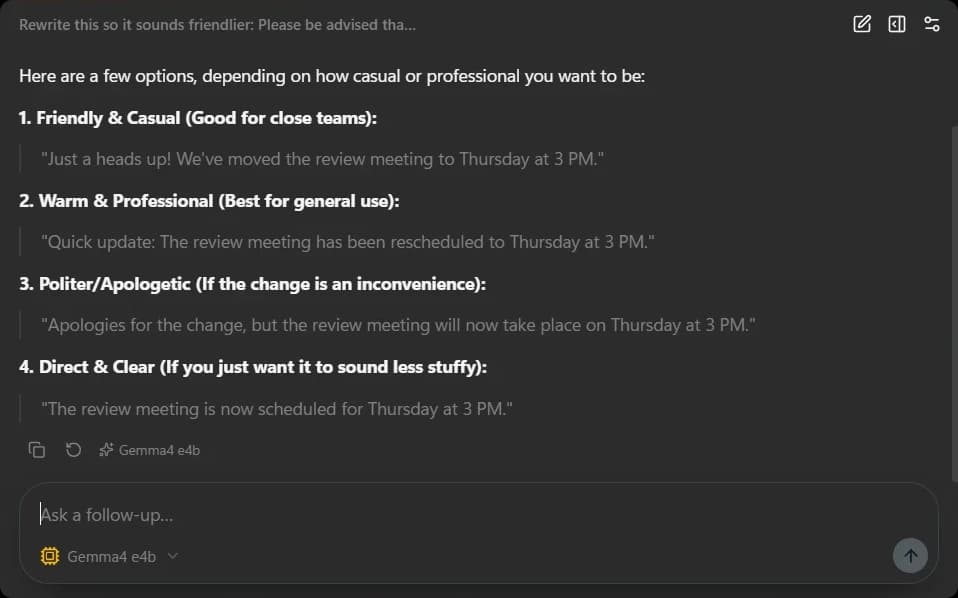
Pick the model for each chat. Keep it on your PC, or reach for the cloud when a question needs more.
Use any model you’ve pulled with Ollama, on your own hardware. What you type never leaves the machine.
Cloud models come with your account, with no API keys to paste. New ones appear without an app update.
When a quick question turns into a project, open the full window. Ctrl+N starts a fresh chat.
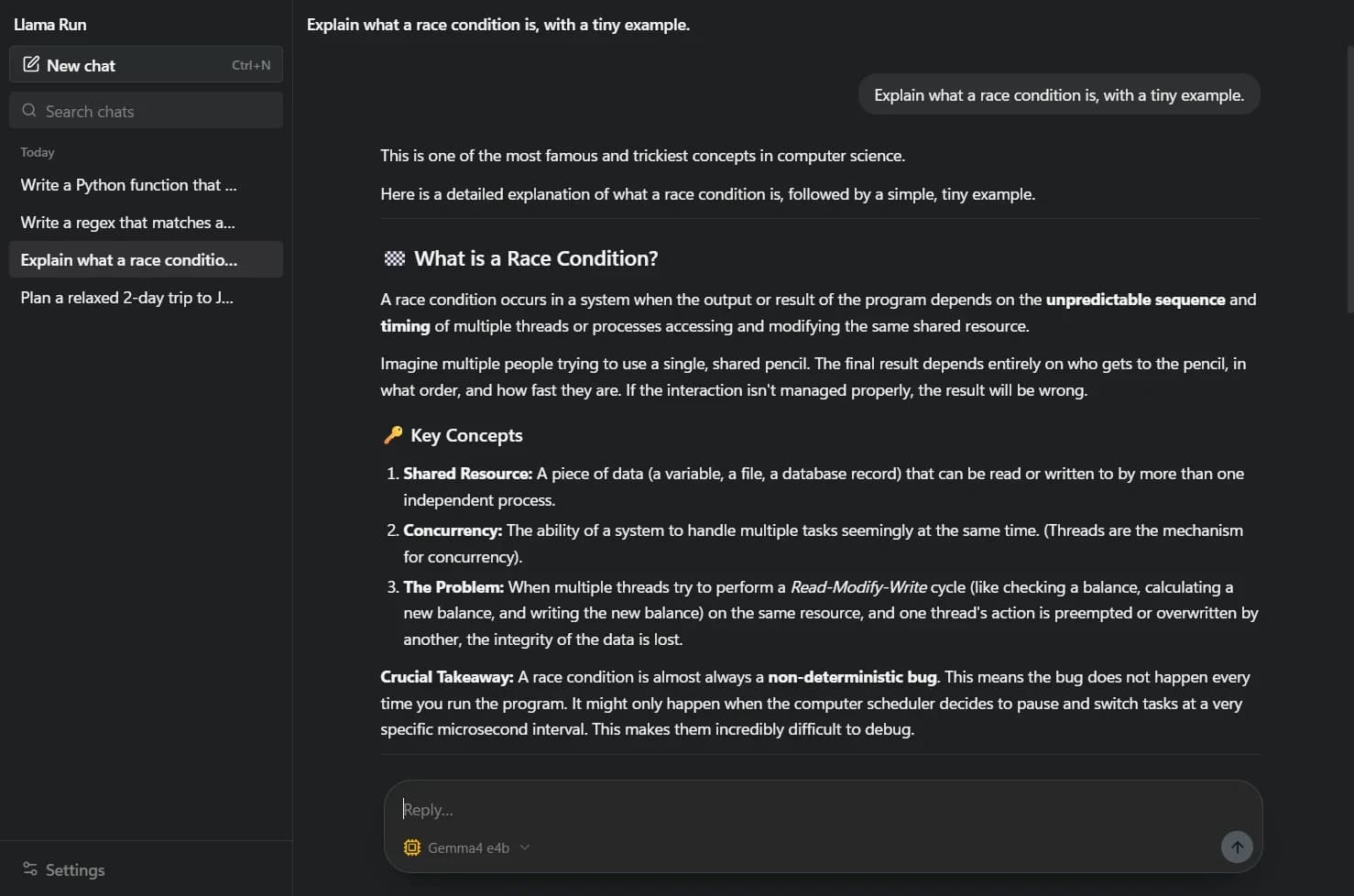
Threads live in the sidebar, and search finds yesterday’s answer in seconds.
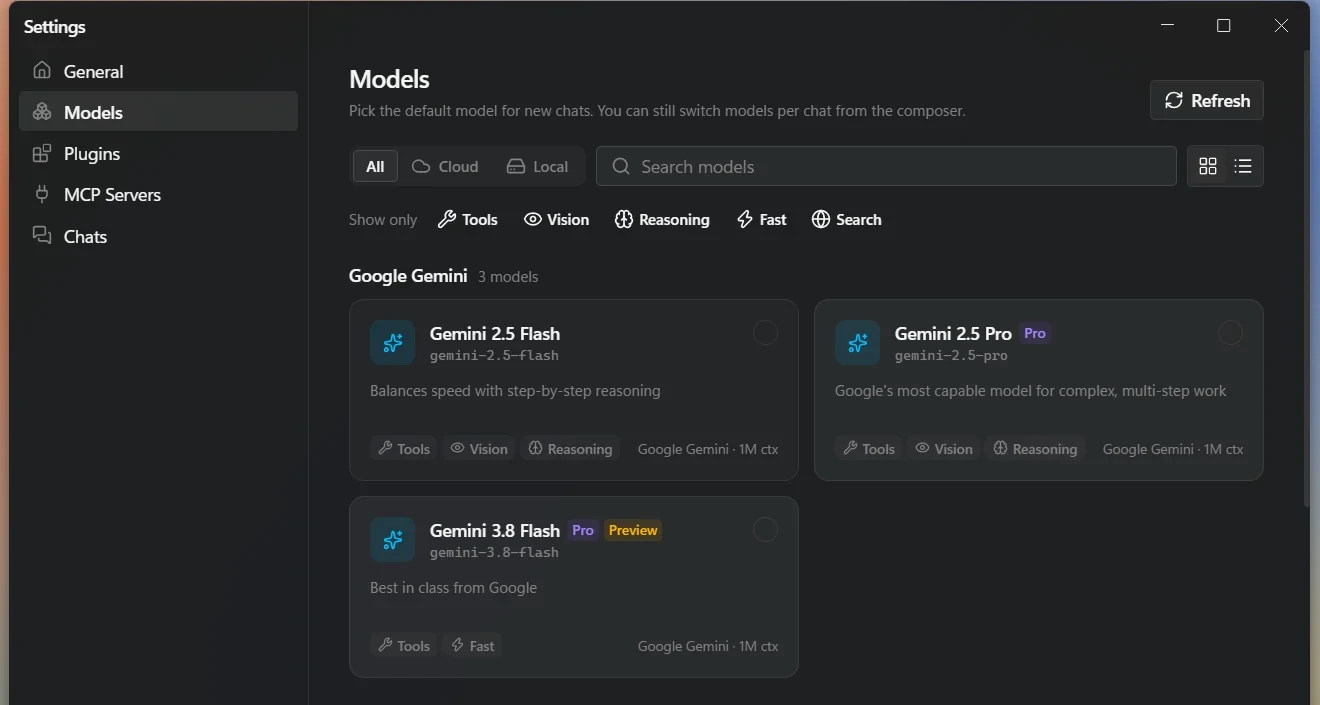
Draft with a local model, then switch the same chat to a cloud model for a second opinion.
Not quite right? Run it again without retyping the question.
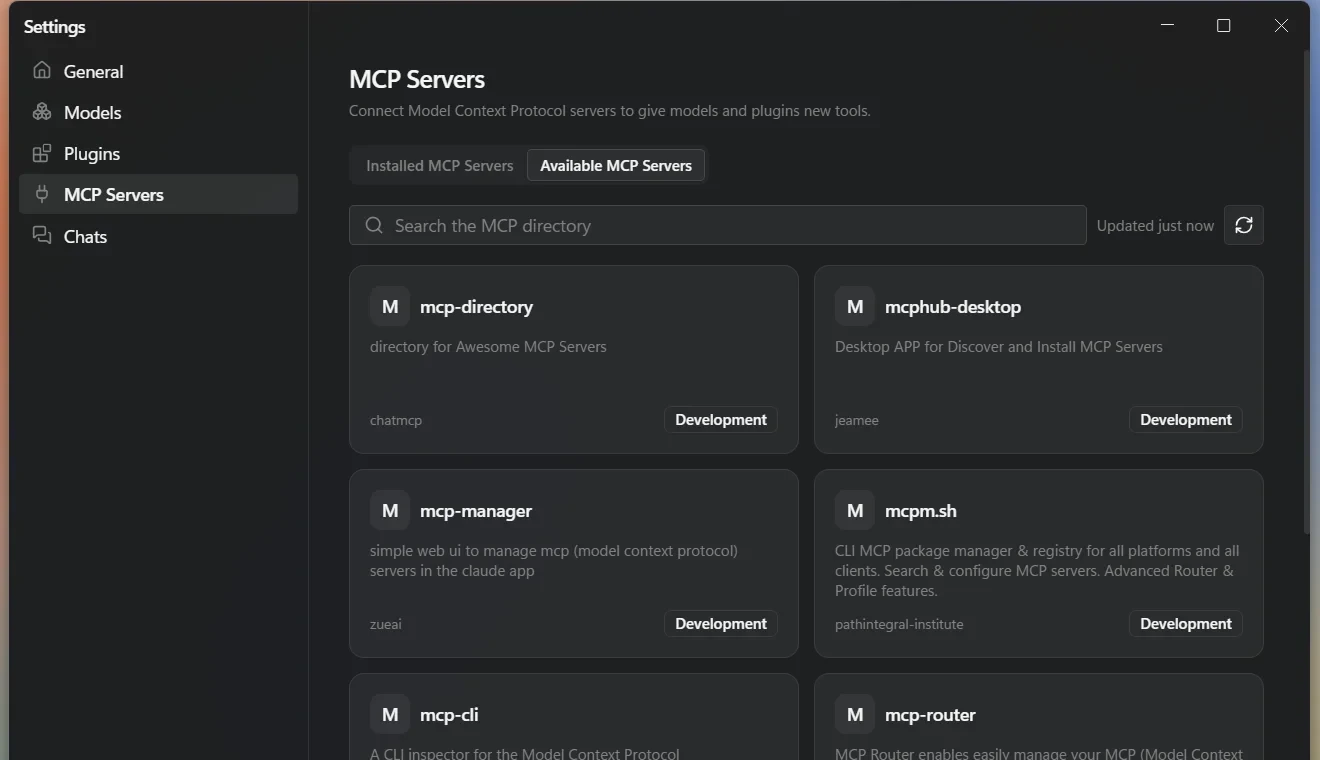
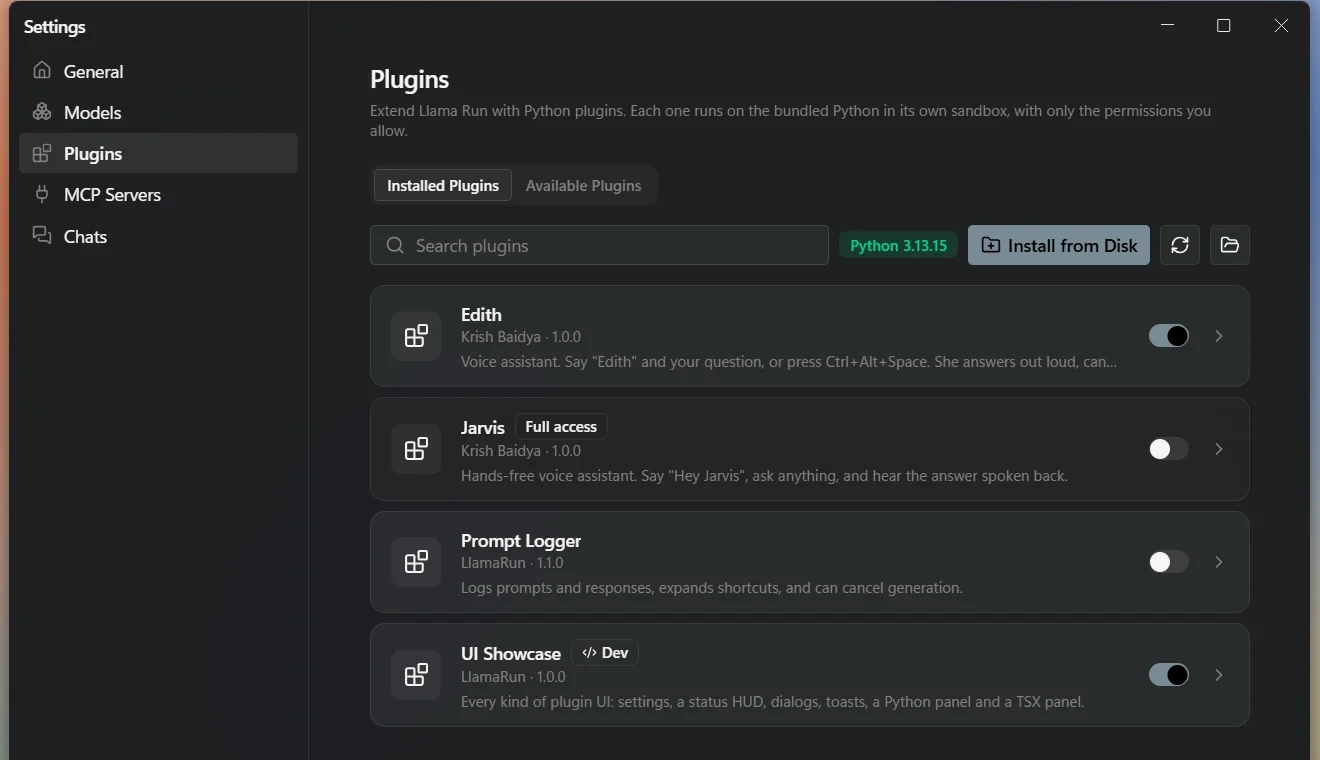
Plugins can rewrite messages, add settings pages and panels, show notifications and register their own shortcuts. Python ships with the app, so they run on any PC.
Change the opening shortcut any time in Settings.
Local models are free and unlimited. While LlamaRun is in early access, Pro is free too: sign in with Google in the app.
Compare plans₹0forever
₹499a month
Something else on your mind? Write to us.
Yes. Install Ollama, download a model, and LlamaRun talks to it on your own PC. Local models need no internet connection and no account.
With a local model, nowhere: everything stays on your PC. With a cloud model, your message goes through the LlamaRun server to Google or OpenAI to get the answer. The privacy policy has the details.
Each question you send to a cloud model counts as one message. Messages to local Ollama models are never counted. Your allowance resets every month.
Sign in, open Pricing and choose Pro. You can cancel any time from your account page; Pro stays active until the end of the period you paid for. See the refund policy for how refunds work.
LlamaRun is built for Windows. Get the installer from the latest GitHub release.